Manage Google Ads by chat.
Fast, safe, explainable.
Execute budget changes, bid adjustments and campaign optimisations through natural conversation. Every action explained and verified with guardrails.
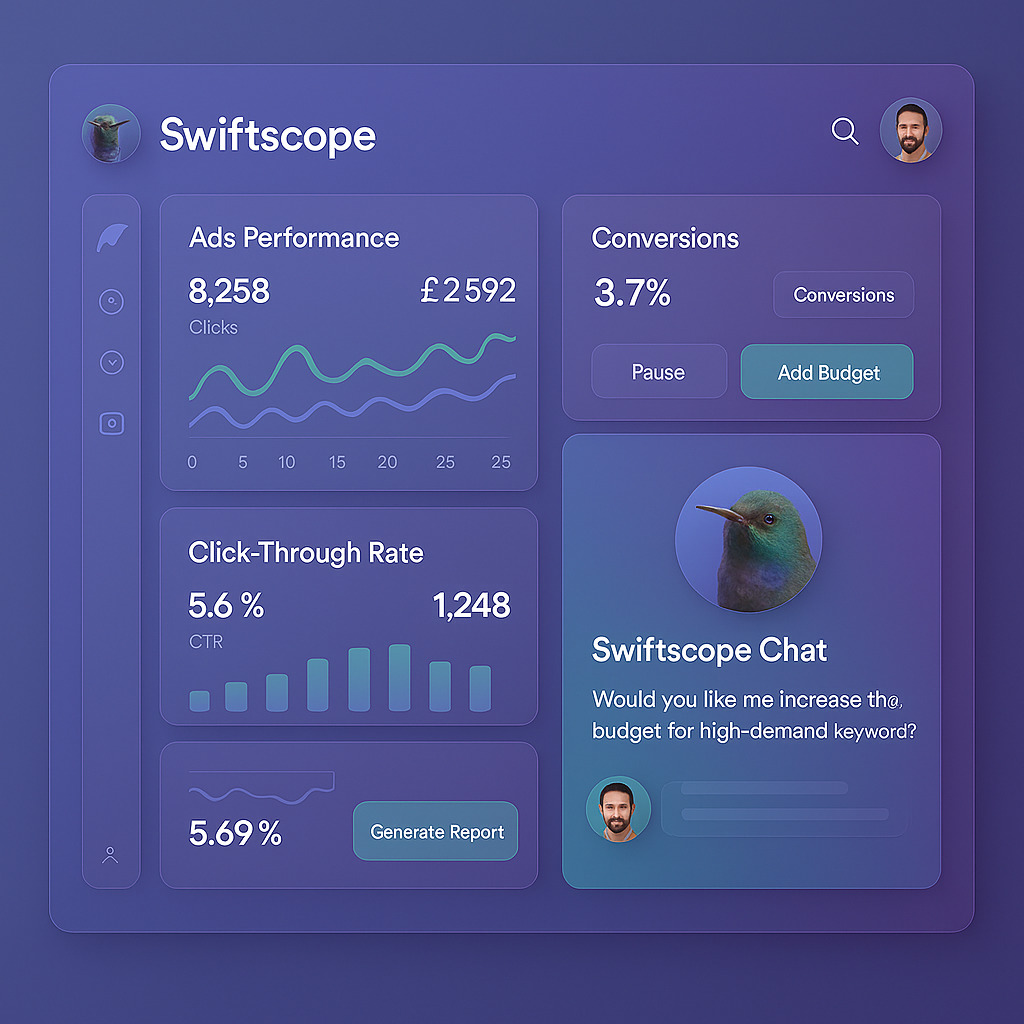
How Swiftscope works
Three simple steps to transform your Google Ads workflow
Connect your Google Ads account
Secure OAuth integration with the Google Ads API. Your data stays protected with enterprise-grade security. Set-up takes less than two minutes.
Chat with your AI copilot
Ask questions, request changes or analyse performance, all in natural language. "Pause underperforming keywords" or "increase budget for top campaigns" and see it execute.
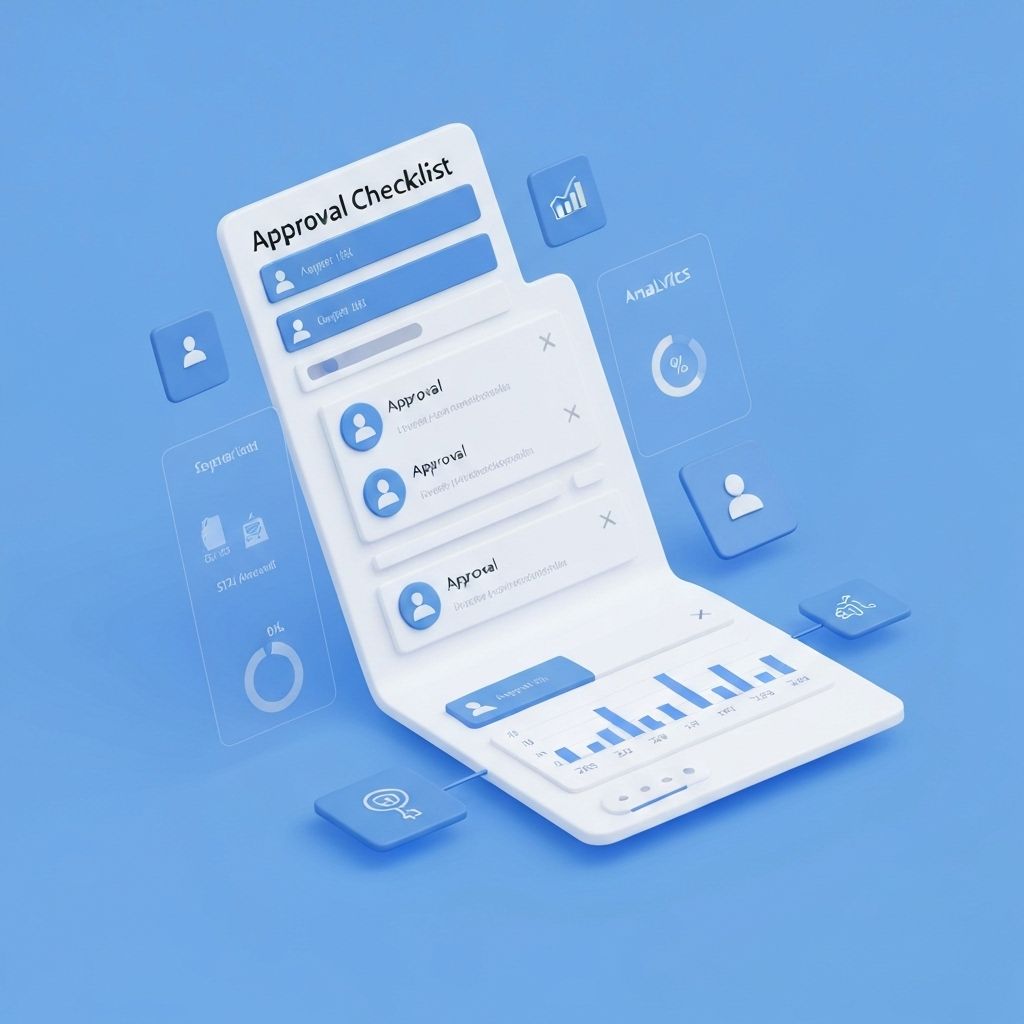
Review and approve changes
Every action comes with clear rationale and a performance impact preview. Approve with one click or request edits. A complete audit trail is available for client reporting.
Core capabilities
Core capabilities built for marketing teams
Chat-based operations
Execute Google Ads operations through natural language. Say what you want and the copilot handles the execution. From insight to action in one message.
Safety guardrails
Built-in safety checks and approval workflows prevent costly mistakes. Work quickly without risking spend. Every change can be reversed with one click.
Explainable actions
Every action comes with clear rationale. Understand what changed, why and the expected impact. No black boxes.
What marketers achieve with Swiftscope
When you use Swiftscope to manage Google Ads campaigns, you'll see faster workflows, greater account capacity and consistent accuracy.
Time saved per week
Reclaim hours from routine Google Ads operations like budget changes, bid adjustments, and search term pruning
More accounts per strategist
Manage 4x more client accounts with copilot assistance while maintaining quality and strategic oversight
Accuracy rate
Expect operations to execute correctly without requiring intervention or manual corrections
Built for speed and safety
Execute Google Ads operations with confidence
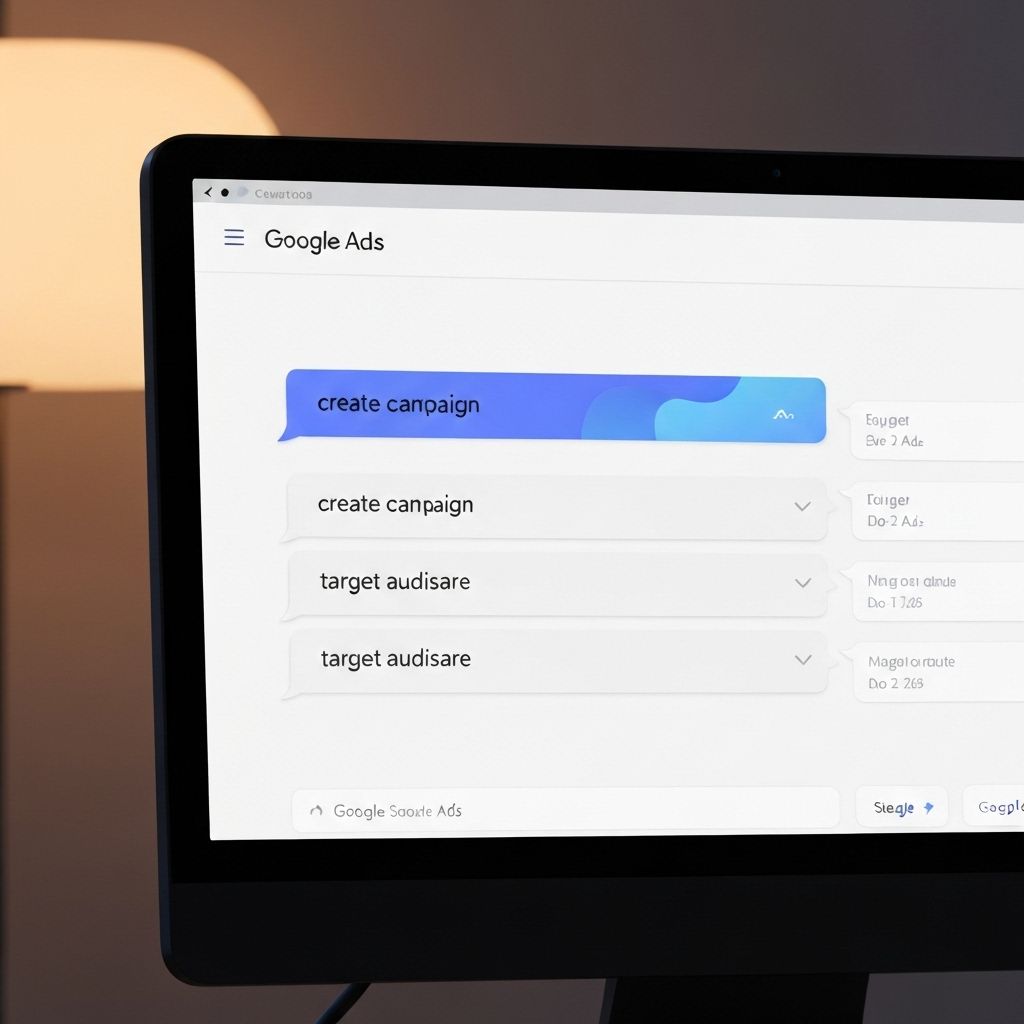
Operate by chat, not clicks
Skip the repetitive dashboard navigation. Execute budget changes, bid adjustments and search term pruning through natural conversation. From insight to action in one message.
- ⚡Execute complex operations in seconds
- ⚡Natural language understanding for marketing tasks
- ⚡Context-aware suggestions based on account history
Move fast with guardrails
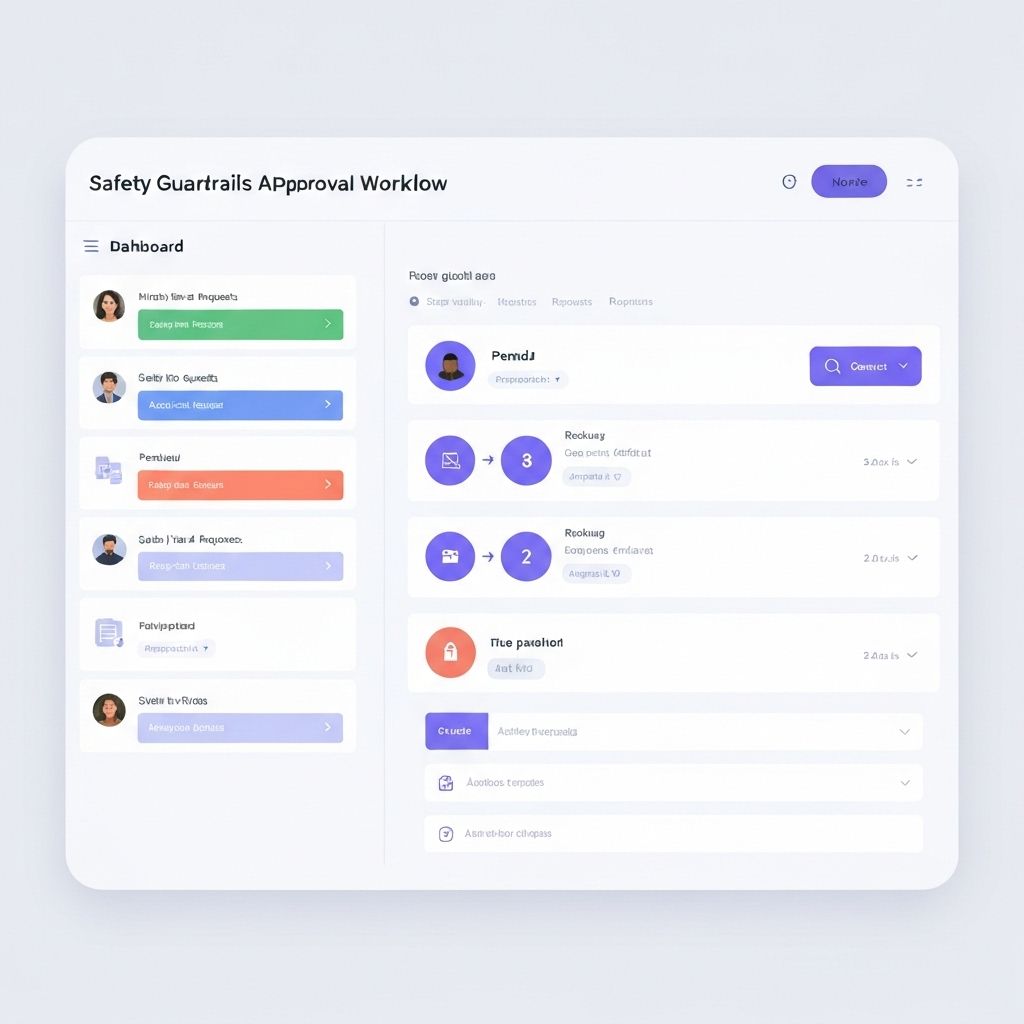
Built-in checks prevent costly mistakes. Approval workflows for sensitive changes with one-click rollbacks when needed.
- 🛡️Automatic validation before execution
- 🛡️Configurable approval thresholds
- 🛡️Instant rollback for any change
Every move explained
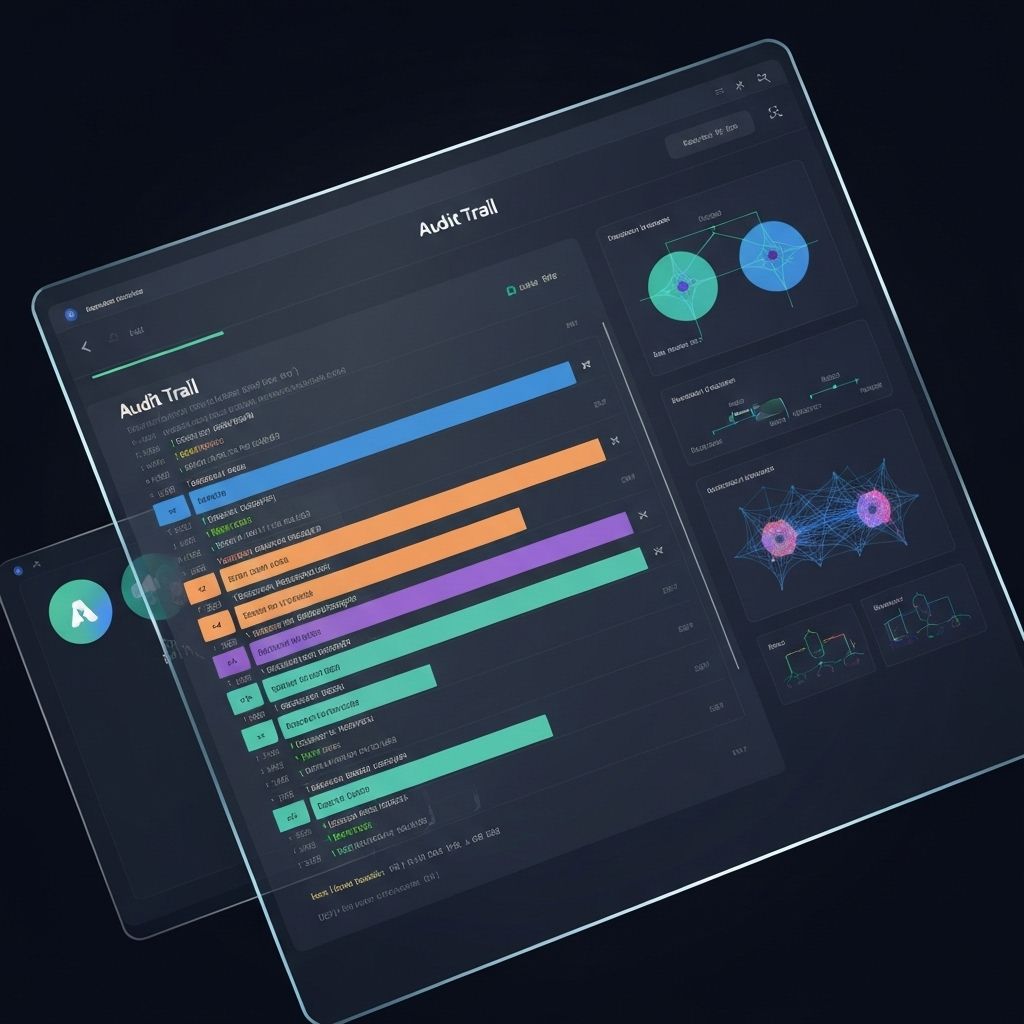
Each action includes clear reasoning and a full audit trail for reporting. Understand what changed and why. Nothing hidden.
- 📝Detailed reasoning for every recommendation
- 📝Complete audit trail for compliance
- 📝Client-ready reports with full transparency
Why Swiftscope is different
Swiftscope reimagines Google Ads management by putting your AI copilot in the chat, not hiding it behind dashboards.
| Feature |
🚀 Swiftscope
|
👩💻 Traditional Tools
|
|---|---|---|
| Campaign Operations |
✨
Execute via natural chat. "Pause underperforming ads" runs instantly.
|
⚙️
Manual navigation through dashboards. Click through settings for each change.
|
| Budget Management |
🎯
AI adjusts budgets based on performance. Automatic alerts with suggestions.
|
📊
Manual budget monitoring. You spot overspend and adjust manually.
|
| Decision Making |
🧠
AI explains reasoning with data. Every recommendation justifies the action.
|
❓
You interpret metrics yourself. Guesswork leads to slower optimisation.
|
| Safety & Oversight |
🛡️
Built-in guardrails. Approval workflows and one-click rollbacks prevent mistakes.
|
⚠️
Manual oversight required. Mistakes discovered after damage is done.
|
| Ad Copy Optimization |
📝
AI generates and tests variations. Write better ads in the chat.
|
✍️
Manual copywriting. A/B testing takes weeks to show results.
|
| Negative Keywords |
🔍
AI finds wasted spend. Bulk remove irrelevant search terms automatically.
|
🪓
Manual search term review. Tedious process of adding negatives one by one.
|
| Audit & Compliance |
📋
Complete audit trail for every action. Client-ready explanations included.
|
🗂️
Limited change history. Proving decisions to clients is difficult.
|
| Speed to Action |
⚡
Seconds. From insight to live change in your Google Ads account.
|
🐢
Hours or days. Dashboard navigation slows everything down.
|
| Learning Curve |
🎓
Chat naturally. Your AI copilot learns your preferences and style.
|
📚
Steep learning. Complex UIs require extensive training.
|
Your Questions, Answered
Everything you need to know about Swiftscope
Is my Google Ads data secure when connected to Swiftscope?
Yes, Swiftscope uses OAuth 2.0 authentication with Google Ads API, meaning we never store your login credentials. We only request the specific permissions needed to perform operations you authorise. All data is encrypted in transit and at rest. You maintain full control over what the copilot can access and approve every action before execution.
Can the AI make changes without my approval?
No. You're always in control. The copilot provides recommendations and proposed actions, but every change requires your explicit approval. You can review the rationale, adjust parameters, or reject suggestions entirely. For sensitive changes like budget modifications above thresholds, you can require additional confirmation steps.
What happens if the AI makes a mistake or I want to undo a change?
Every change in Swiftscope is fully reversible. If you notice a mistake or simply change your mind, you can rollback any action with one click. The complete audit trail shows exactly what changed, when it changed, and who approved it—essential for client reporting and compliance.
Which Google Ads operations can I manage through chat?
Swiftscope supports a wide range of operations including:
- Budget adjustments and bid management across campaigns and ad groups
- Search term pruning and negative keyword management
- Campaign and ad group status changes (pause, resume, archive)
- Ad copy iterations and creative testing
- Keyword optimisations and bid strategy adjustments
- Performance analysis and recommendations
How does Swiftscope help me manage multiple client accounts?
By automating routine operations and providing clear explanations for every action, Swiftscope lets you manage approximately 4x more accounts than you could manually. The copilot handles repetitive tasks like bid adjustments and search term pruning, freeing your time for strategy. The built-in audit trails and client-ready explanations make reporting to clients faster and more professional.
Does Swiftscope work with multiple Google Ads accounts?
Yes. You can connect multiple Google Ads accounts and manage them all from Swiftscope. Approval workflows and safety settings are configured per account, so you can maintain different guardrails for different clients or campaigns. Team members can be assigned specific accounts based on their role.
Can I use Swiftscope for my client's account or only my own?
You can manage both your own and client accounts through Swiftscope. When you connect a client's Google Ads account via OAuth, you get full management access with approval workflows that can be customised per account. This makes it ideal for agencies managing multiple client campaigns.
How long does it take to get started with Swiftscope?
Setup takes less than two minutes. You sign up, authorise your Google Ads account via OAuth, and you're ready to start chatting with your copilot. No complex configuration required—default safety settings are applied immediately, and you can customise them as needed.
Ready to streamline Google Ads management?
Join the closed beta and be among the first to manage campaigns through conversation with built-in safety and clarity.